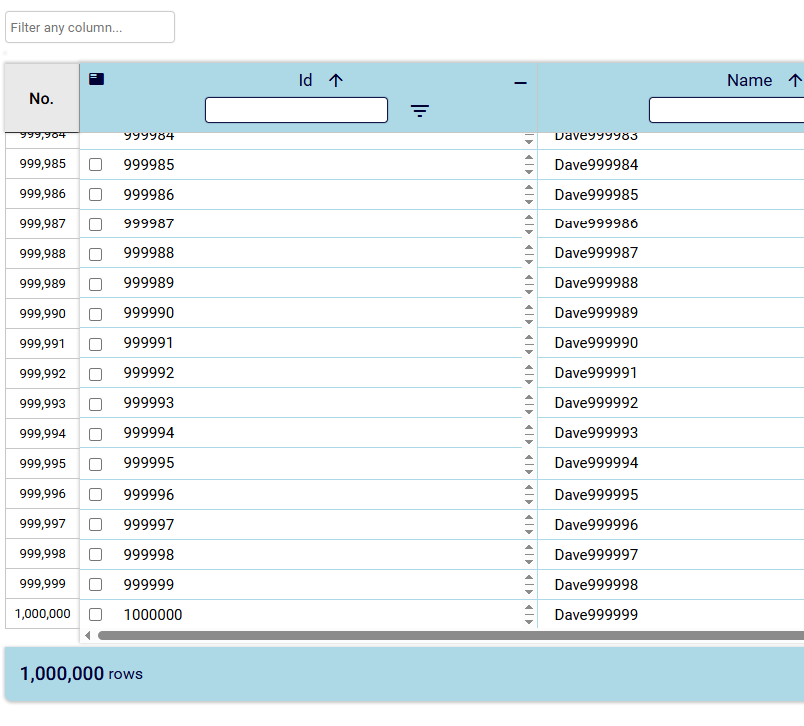
Row Virtualization
Scroll 1.5 Million Rows Easily
DeeboData implements a row virtualization technique in the data grid that renders only the rows within the currently
scrolled area of the grid. We make use of a fixed, default row height that you can assign on your own with any edition
of the data grid. With this value, we can pre-determine how much space should be above and below the currently scrolled
area. We create separate divs for the above area and below area. Each div is dynamically assigned a height once the grid
loads and as you scroll vertically. At the same time, the proper rows are calculated and displayed within the visible
area of the data grid. This creates the virtual scroll effect and optimizes memory usage, thus keeping your browser running
smoothly. Or at least it eliminates the data grid from being the culprit for why it's not running smoothly. However, browsers
have limits on the height of a single div. So if you have a ton of data (over hundreds of thousands), you may need to lower
the default row height variable from the default value (50px) to something like what is demonstrated below.
To process and scroll 1.5 million rows, we had to lower the default row height to '20px'. We tested scrolling
1.5 million rows successfully in the latest versions of Google Chrome and Microsoft Edge as of May 25, 2026. The demo
below uses the JavaScript Community Edition of the Data Grid. Load 1.5 million
rows below to demo high-performance virtual scroll!